
Beat Breeze Help Centre
Get the room back to what matters.
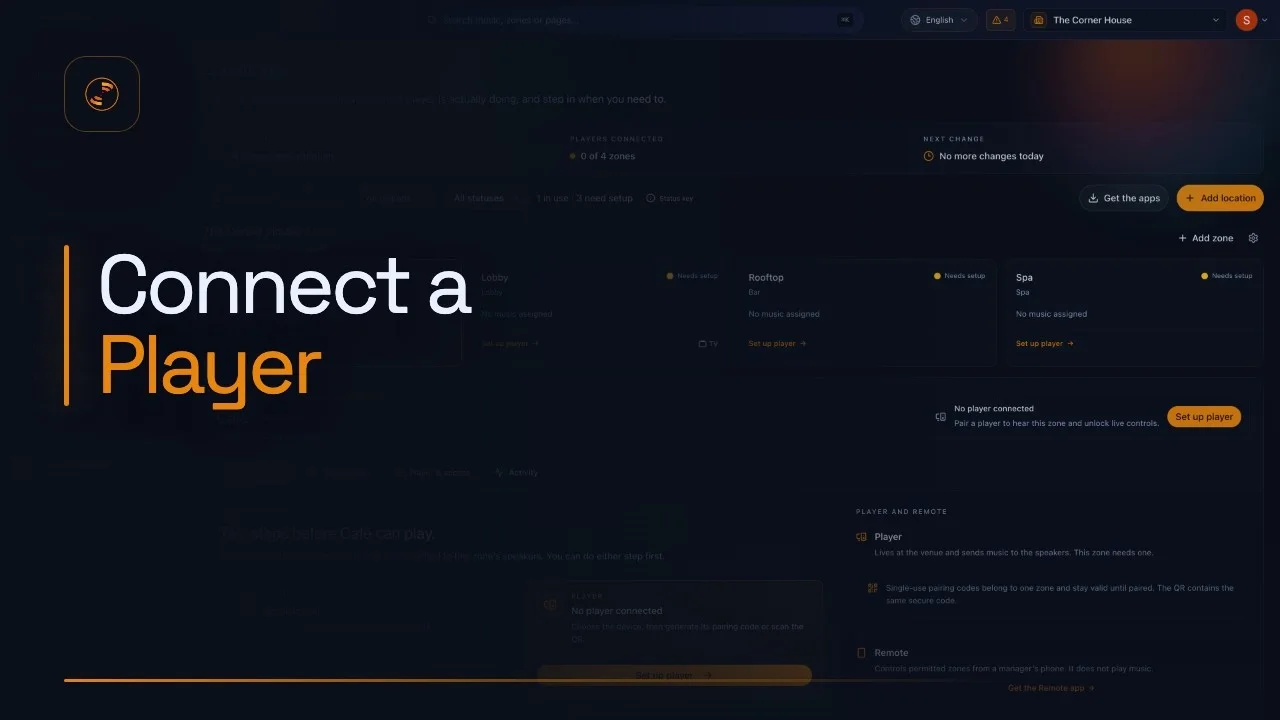
Start with the installed Player app that fits the venue device, then pair it to the right zone. Use the Web Player when an app cannot be installed.
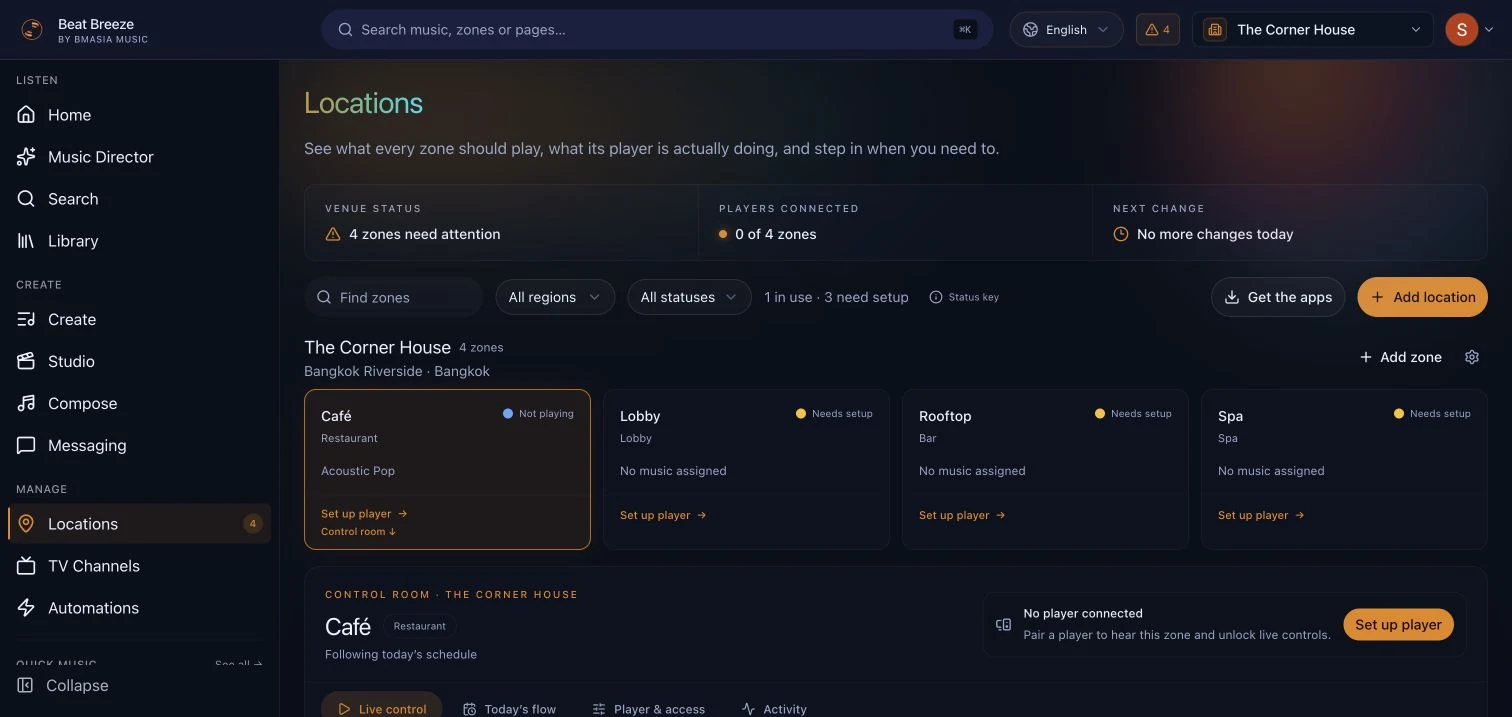
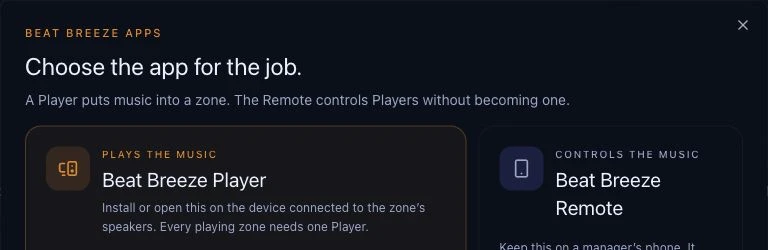
Help organised around the job in front of you.
16 reviewed guides across setup, playback, creative tools, account management, and troubleshooting.
Start hereSet up your first space, choose music, and connect the right Player app.1 guidePlayers and playbackInstall and connect Player apps, with the Web Player available as a browser option.1 guideLocations and zonesStructure venues, rooms, and staff access without losing control.2 guidesMusic, playlists and schedulesFind the right sound, build playlists, and automate each daypart.5 guidesStudio and AI toolsMake original music and campaign media with the tools in Studio.1 guideRemote, TV and messagingControl zones remotely, power screens, and create venue messages.2 guidesAccount and billingUnderstand plans, team access, invoices, and subscription changes.2 guidesTroubleshootingWork through pairing, connection, audio, and playback problems.2 guides
Video tutorials
Watch it, then follow it step by step.
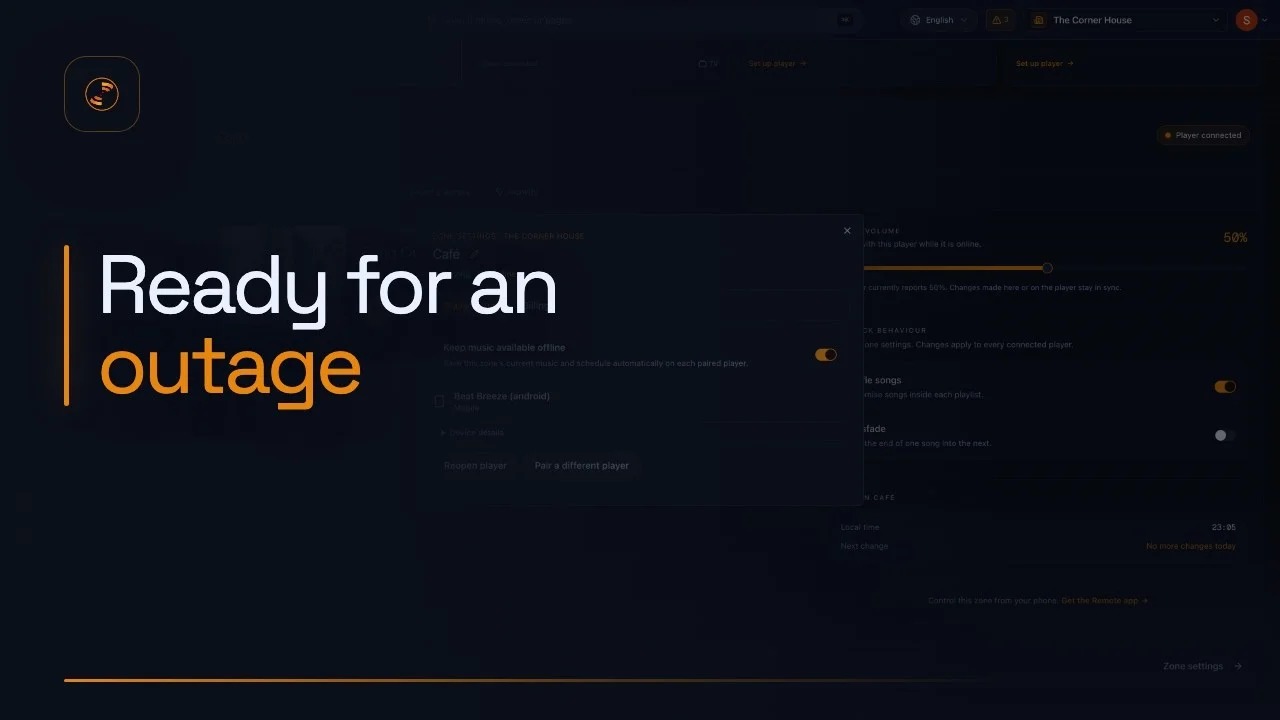
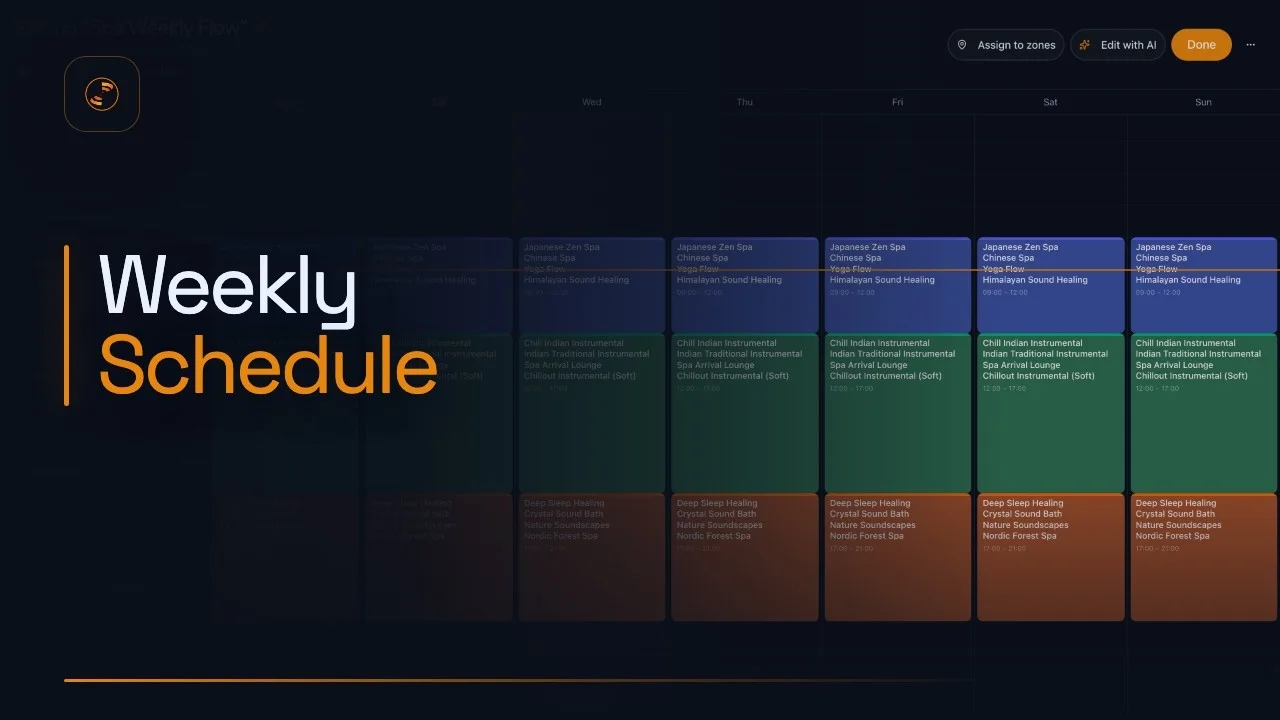
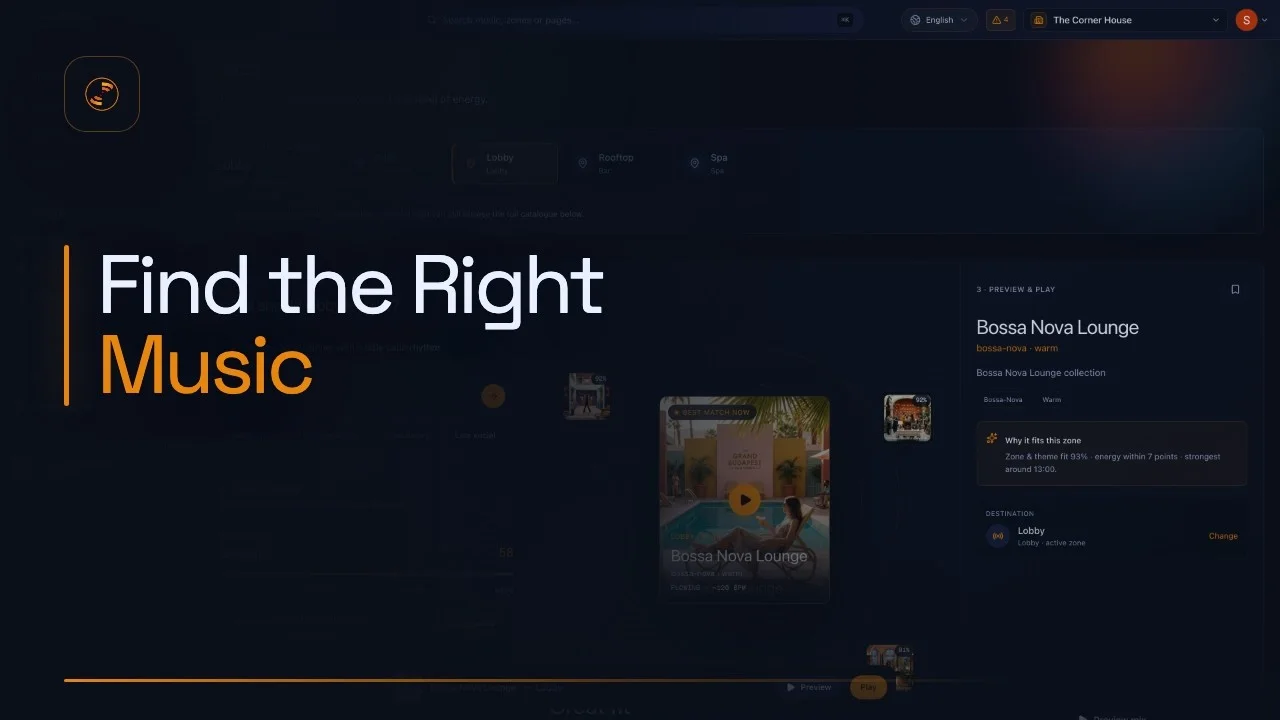
Every tutorial is paired with a complete written guide, current screenshots, and troubleshooting help.
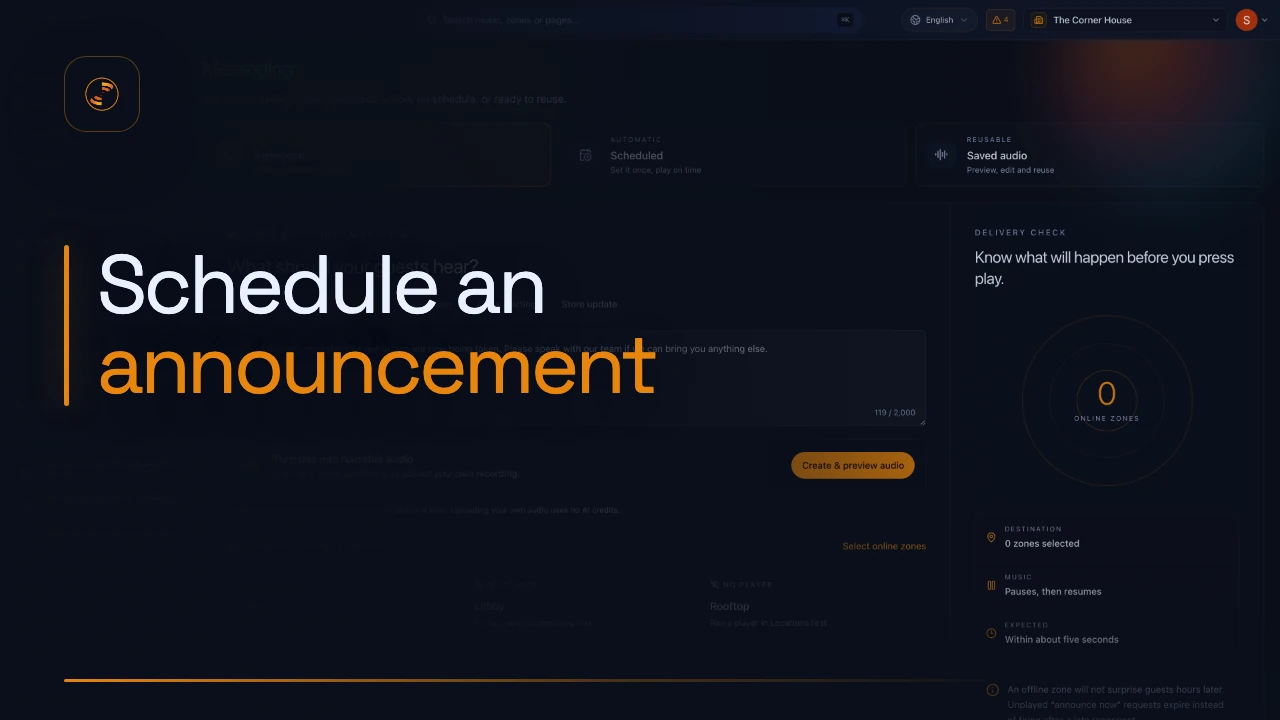
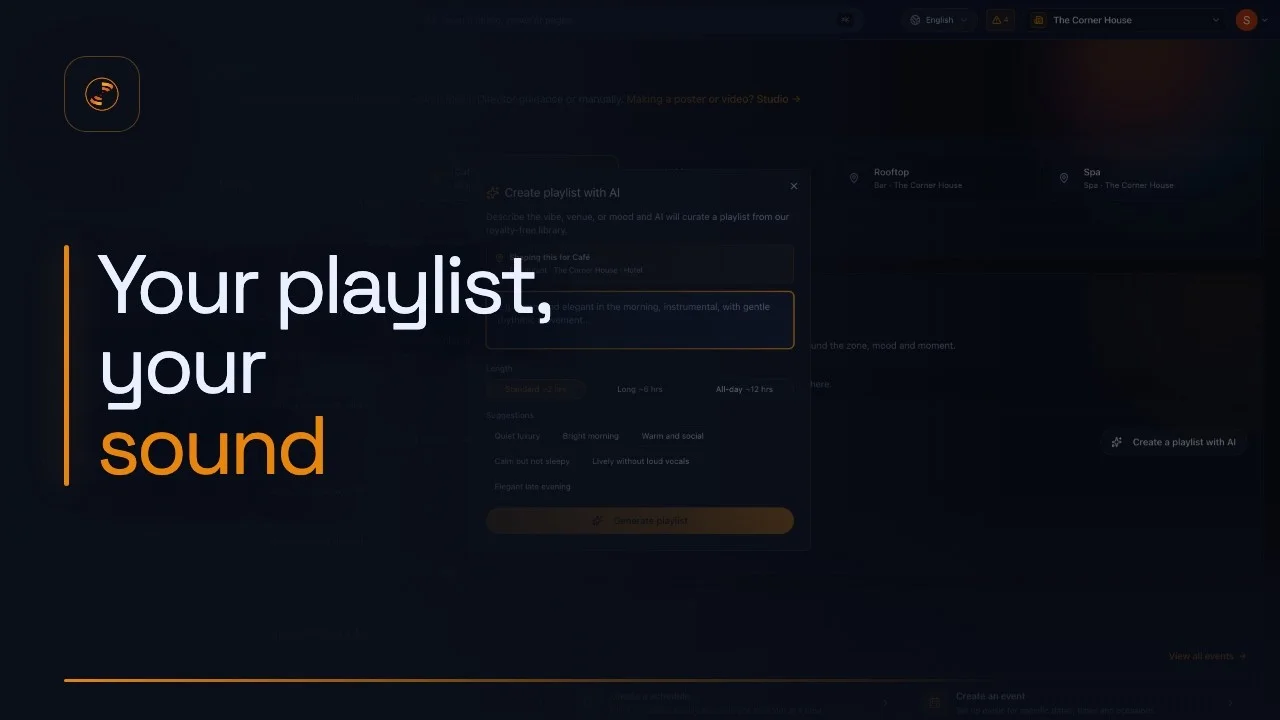
Start with a task you can finish today.
Every guide stands on its own, with current product screenshots and complete written instructions.
A guide should not become a dead end.
Tell us the location, zone, player type, and the last step you completed. Our support team can start from there.
Contact Beat Breeze support